
US Visa Photo Tool
Upload one picture and the tool does the work: it finds your face, crops to a square, sets a white background and exports a 600×600 px JPEG. You see the result before you pay.
- Free preview
- 600×600 px JPEG
- 2×2 in print copy
- $9.99 to download
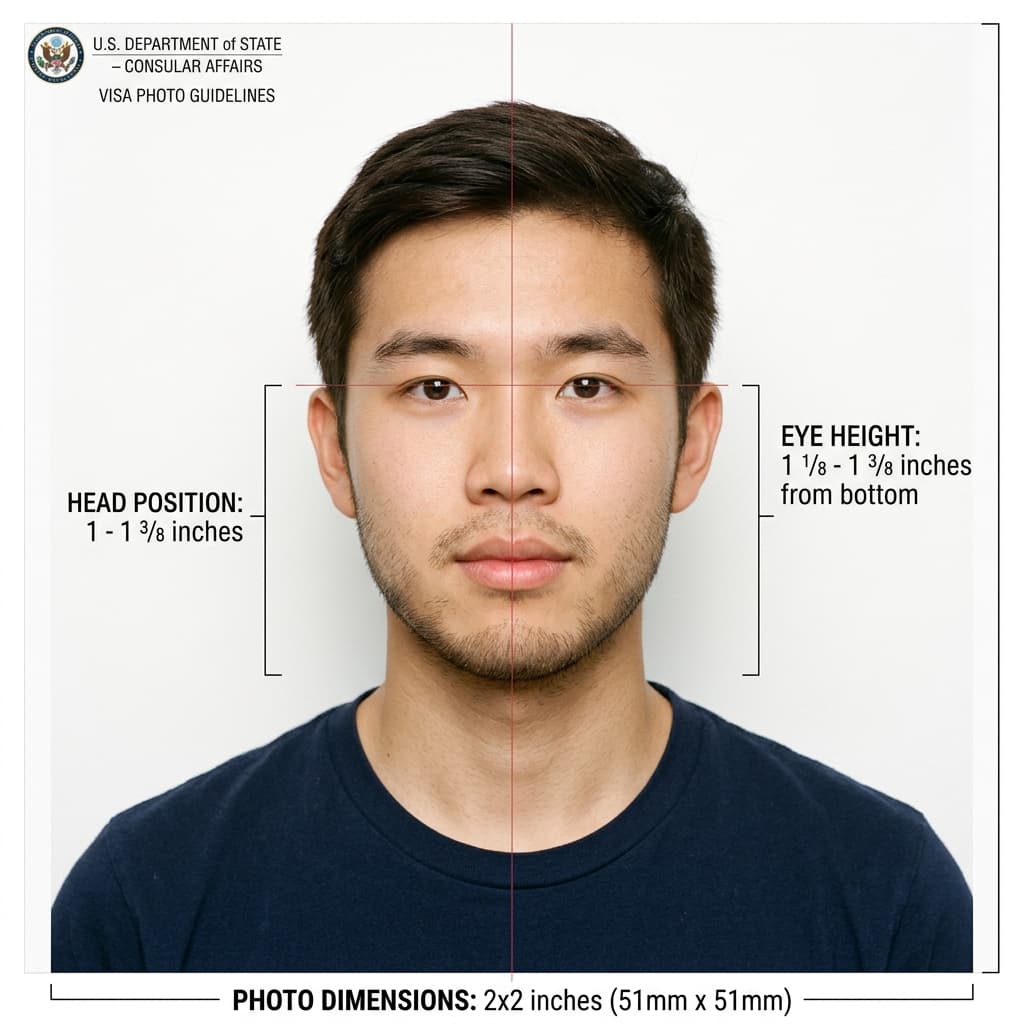
A US visa photo formatted to the published 2×2 inch rules
Format Your Photo Instantly
Take or choose a front-facing photo from your camera or gallery. Preview the cropped US visa photo with an official white background for free.
US visa photo formatted to 600x600 px for United States
Choose a photo or drag it here
JPEG, PNG, or WebP up to 20 MB · Front-facing camera or portrait
Select PhotoPassport Photo Checklist:
How to use the US visa photo tool
- 01
Upload a recent photo
Pick a front-facing photo from the last 6 months, JPEG, PNG or WebP up to 20 MB. Your whole head and the top of your shoulders should be in frame.
- 02
The tool formats it
AI centers your face in a square, sizes your head to the layout and replaces the background with plain white.
- 03
Review the free preview
Check the framing, background and head position. If anything looks wrong, upload a better source photo and run it again at no cost.
- 04
Pay once and download
Pay $9.99 to download the 600×600 px JPEG and a printable 2×2 inch version. A download link is also emailed to you.
What the tool does and what it does not do
The tool handles the mechanical parts of a visa photo: square crop, face centering, head size, white background and pixel size.
It does not check expression, glasses, lighting, shadows on your face or whether a head covering is allowed. Those depend on the photo you upload, so take a clear, evenly lit picture without glasses.
Free preview versus the paid download
- Free: uploading, processing and previewing as many photos as you like.
- $9.99: one payment for the download of the finished photo, with no subscription.
- Optional $16.99 Expert Edit if you want a person to adjust a difficult photo.
- If a consulate rejects the photo because of its dimensions, we remake it or refund you. See the refund policy for the steps.
Which visa applications it works for
The same 2×2 inch photo is used for B1/B2 visitor, F-1 student, H-1B work, K-1 fiancé(e) and most other nonimmigrant visa applications filed with the DS-160. Immigrant visas use the DS-260, which has the same photo format.
Frequently Asked Questions
Is the US visa photo tool free?
Uploading and previewing are free. You pay $9.99 once only when you want to download the finished photo.
Will my photo be accepted at the embassy?
Nobody can promise that. The consular officer decides. The tool makes the crop, size and background match the published rules, but lighting, expression and glasses still matter.
What file do I get?
A square 600 × 600 px JPEG for the online application, plus a printable 2 × 2 inch version for consulates that ask for a paper photo.
Can I use a photo from my phone?
Yes, if it is recent, sharp and front-facing. Avoid arm's-length selfies; ask someone to take it from about 4 feet away.
How is this different from the US visa photo maker?
Both use the same processing. This page walks through using the tool and what it pays for. The visa photo maker page covers the full photo requirements.
USVisaPhotoAI is an independent photo service. It is not affiliated with the U.S. Department of State, USCIS, or any government agency. Final acceptance of any photo is decided by the agency reviewing your application.