
Passport Photo Editor
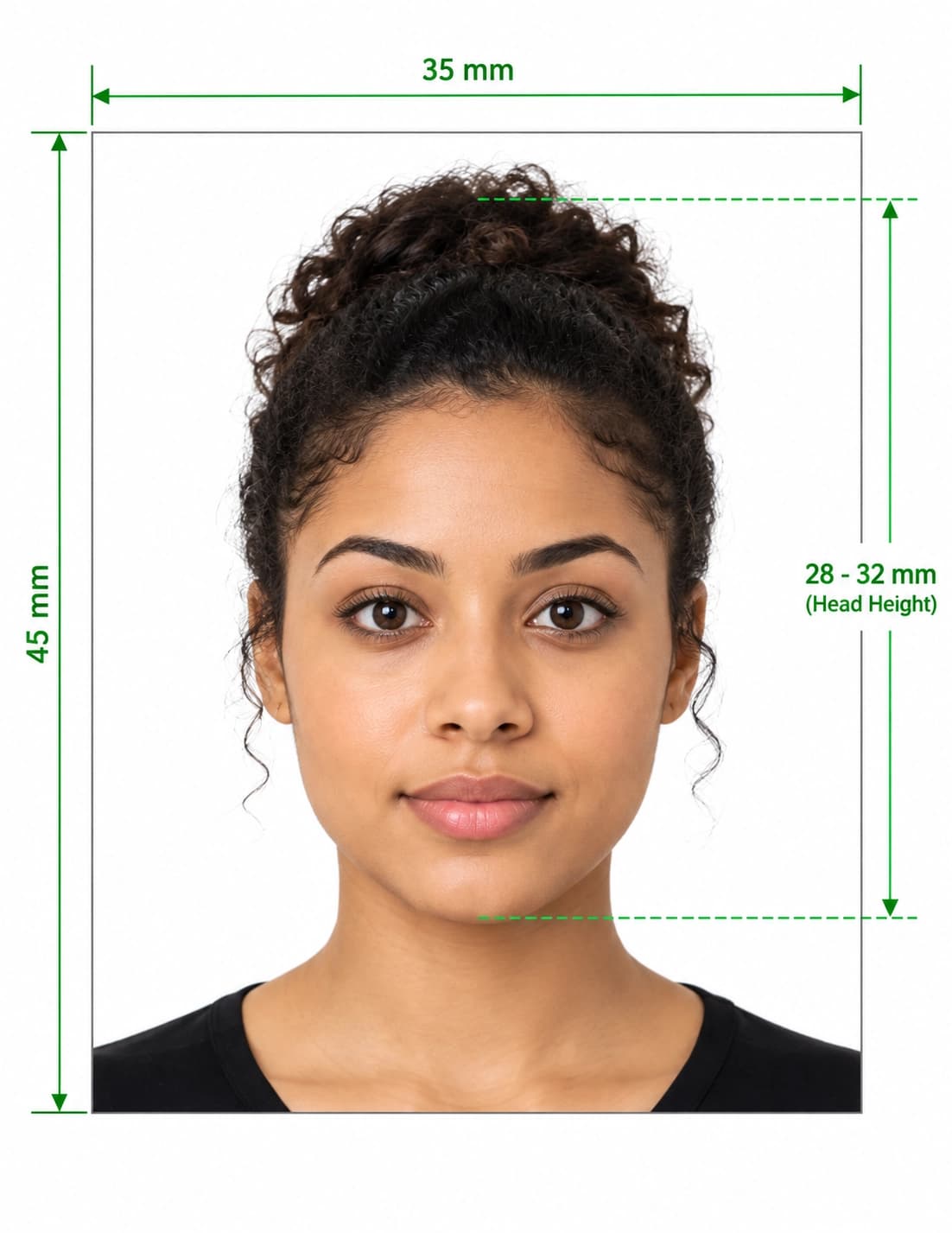
Upload a photo and the editing is done for you: your face is centered and cropped to a 2×2 inch layout, the background turns white, and the file is resized to 600×600 px.
- Automatic crop
- Face centered
- White background
- 600×600 px
Digital Passport Photo Editor & Biometric Crop
Format Your Photo Instantly
Take or choose a front-facing photo from your camera or gallery. Preview the cropped edited passport photo with an official white background for free.
edited passport photo formatted to 600x600 px for United States
Choose a photo or drag it here
JPEG, PNG, or WebP up to 20 MB · Front-facing camera or portrait
Select PhotoPassport Photo Checklist:
How the passport photo editor works
- 01
Choose your country and upload
The tool is set to the US 2×2 inch size. Pick another country if you need its size, then upload a JPEG, PNG or WebP up to 20 MB.
- 02
Automatic edits
AI finds your face, centers it, sizes your head to the layout, replaces the background with white and resizes the file to 600×600 px. This usually takes under a minute.
- 03
Review the preview
There are no sliders or crop handles. If the result isn't right, upload a different photo for free, or choose the $16.99 Expert Edit to have a person review and touch it up.
- 04
Download
Pay $9.99 once to download the edited JPEG. A download link is also emailed to you and stays valid for 72 hours.
Edits that are not allowed on a US passport photo
The US Department of State does not accept photos that have been digitally altered in ways that change your appearance. Cropping, resizing and a plain background are fine. Changing how you look is not.
- No filters, including phone camera or social media filters.
- No beauty retouching: skin smoothing, blemish removal, slimming or reshaping.
- No changes to eye color, hair, or facial features.
- No adding or removing glasses, hats or jewelry after the photo is taken. Take glasses off before the photo.
When the automatic result isn't right
Most problems come from the source photo: a tilted head, a face too small in the frame, uneven light or a cluttered background. A new photo taken straight on, about 4 feet away, in even light usually fixes it. Uploading again costs nothing.
If you'd rather have a person look at it, choose the $16.99 Expert Edit, where a person reviews and touches up the photo.
Frequently Asked Questions
Can I crop the photo myself?
No. Cropping is automatic, with no manual crop handles or sliders. If the crop looks wrong, upload a different photo for free or choose the $16.99 Expert Edit.
Does the editor retouch my face?
No. It crops, centers, resizes and replaces the background. It does not smooth skin or change your features, because US rules don't allow photos altered in ways that change your appearance.
Can I use a beauty filter on my passport photo?
No. The US Department of State does not accept photos with filters or digital alterations. Use an unfiltered photo from your camera.
What size does the editor make the photo?
For the US, a 600 × 600 px JPEG that prints at 2 × 2 inches. Choose another country in the tool to use its photo size.
Can the editor remove my glasses?
No, and it should not. Glasses must be taken off before the photo is taken, unless you have a signed medical statement.
What does Expert Edit add?
For $16.99, a person reviews your photo and touches it up where needed, instead of relying only on the automatic result.
USVisaPhotoAI is an independent photo service. It is not affiliated with the U.S. Department of State, USCIS, or any government agency. Final acceptance of any photo is decided by the agency reviewing your application.