
Passport Photo Resizer
Already have a photo? Upload it and the tool re-crops it around your face to the 2×2 inch layout, whitens the background, and saves it as a 600×600 px JPEG.
- 600×600 px JPEG
- Re-cropped to 2×2
- White background
- 50+ countries
Passport Photo Resizer & 600×600 px Cropping Guide
Format Your Photo Instantly
Take or choose a front-facing photo from your camera or gallery. Preview the cropped resized passport photo with an official white background for free.
resized passport photo formatted to 600x600 px for United States
Choose a photo or drag it here
JPEG, PNG, or WebP up to 20 MB · Front-facing camera or portrait
Select PhotoPassport Photo Checklist:
How to resize your passport photo
- 01
Upload the photo you have
JPEG, PNG or WebP up to 20 MB. Files over 3 MB are downscaled in your browser before upload, so large phone photos are fine.
- 02
Pick the country if needed
The default is the US 2×2 inch size. Use the country selector to switch to another country's photo size.
- 03
Re-crop and resize
The tool finds your face, crops it to the correct layout, replaces the background with white, and outputs a 600×600 px JPEG for the US size.
- 04
Preview and download
The preview is free. Pay $9.99 once to download the resized photo.
Why a plain resize often fails
Changing a photo's pixel dimensions in a basic editor does not make it a passport photo. The photo needs the right crop around your head, not just the right number of pixels.
- Wrong aspect ratio: forcing a tall phone photo into 600×600 px stretches or squashes your face.
- Head size off: if you shrink the whole picture, your head ends up too small for the 1 to 1⅜ inch rule.
- File too big: a full-resolution phone photo is far larger than the 240 KB the DS-160 and DV lottery accept.
- Background unchanged: resizing keeps a busy or colored background that the rules do not allow.
Resizing for other countries
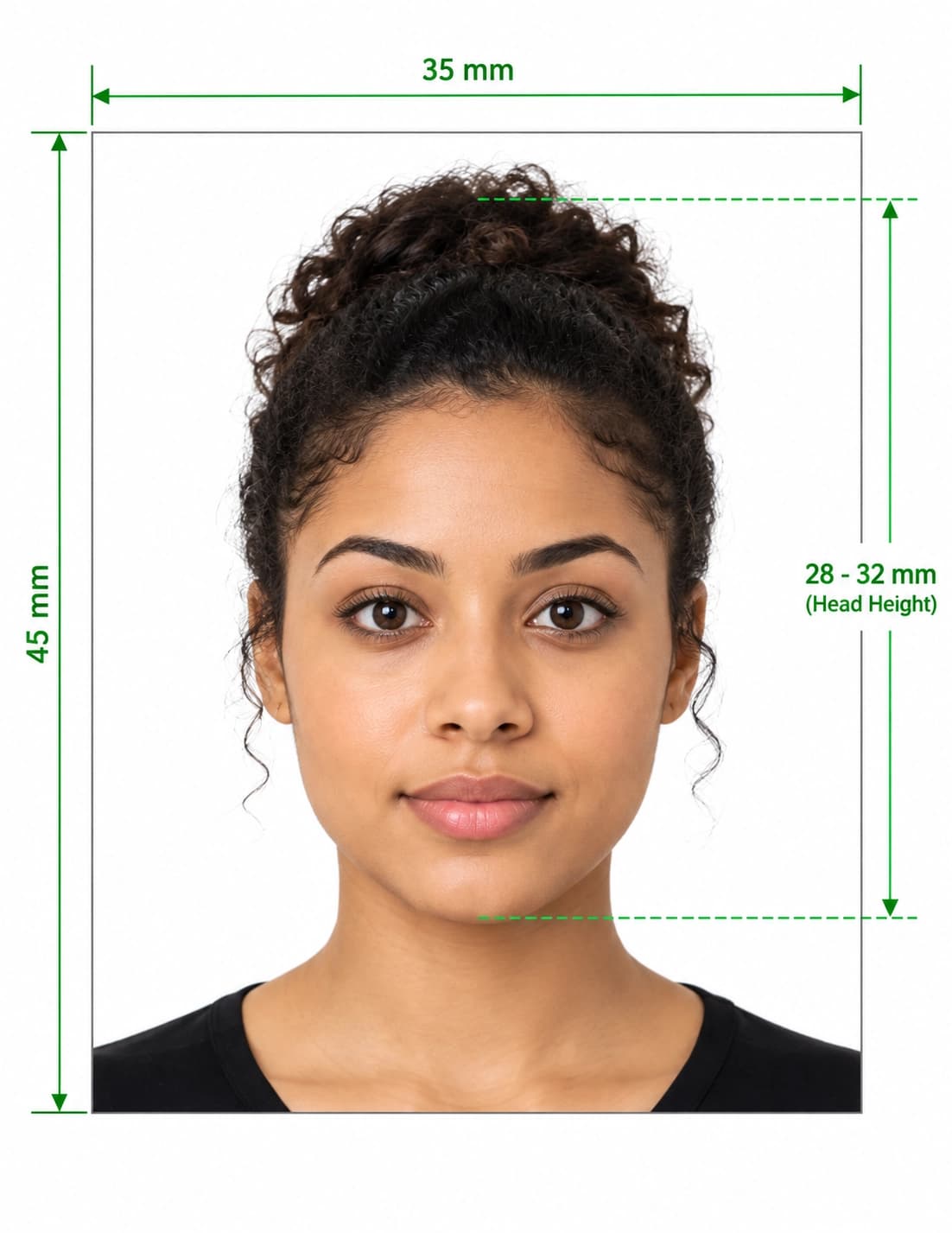
The country selector covers photo sizes for 50+ countries, such as 35×45 mm photos used in many places. The tool crops to the size of the country you pick.
Frequently Asked Questions
Can I resize a photo to 600x600 pixels for a US visa or passport?
Yes. Upload the photo and the tool outputs a 600×600 px JPEG, cropped around your face to the 2×2 inch layout with a white background.
Does the tool only change the pixel size?
No. It re-crops the photo around your face and replaces the background with white, then saves it at the right size. There is no manual crop control.
How do I reduce my photo to under 240 KB?
The DS-160 and DV lottery both ask for a JPEG of 240 KB or less. The tool saves a 600×600 px JPEG, which is much smaller than a full phone photo. Check the file size on your device before you upload it.
My photo is very large. Will it upload?
Files up to 20 MB are supported. Anything over 3 MB is downscaled in your browser before upload, which also speeds up processing.
Can I resize a photo for a passport from another country?
Yes. Switch the country in the selector above the upload area. It supports photo sizes for more than 50 countries.
What if an agency says the resized photo is the wrong size?
Send us proof of the rejection within 30 days and we will remake the photo or refund you. The refund policy covers dimension rejections only, not lighting or expression.
USVisaPhotoAI is an independent photo service. It is not affiliated with the U.S. Department of State, USCIS, or any government agency. Final acceptance of any photo is decided by the agency reviewing your application.