
Passport Renewal Photo
Renewing your US passport needs a new photo, not the one in your old passport. Upload a recent picture and get a 2×2 inch photo with a white background for mail or online renewal.
- 2×2 in (51×51 mm)
- DS-82 by mail
- Online renewal
- Digital + printable
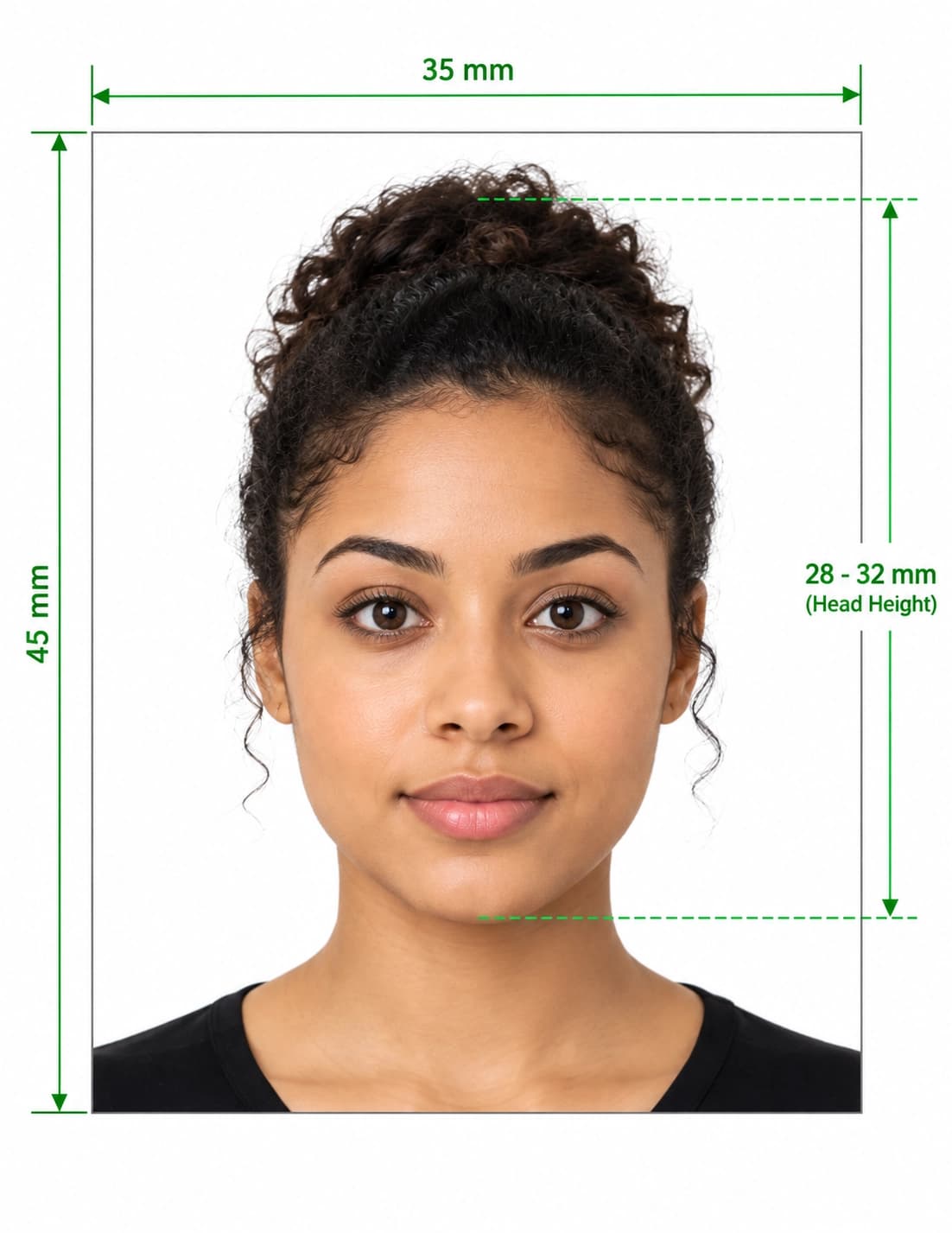
Form DS-82 Passport Renewal Photo Requirements Guide
Format Your Photo Instantly
Take or choose a front-facing photo from your camera or gallery. Preview the cropped US passport renewal photo with an official white background for free.
US passport renewal photo formatted to 600x600 px for United States
Choose a photo or drag it here
JPEG, PNG, or WebP up to 20 MB · Front-facing camera or portrait
Select PhotoPassport Photo Checklist:
How to get your renewal photo
- 01
Take a new photo
It must be taken within the last 6 months. A phone photo works if someone takes it from about 4 feet away in even light.
- 02
Upload and check the preview
The tool crops your head to the 2×2 inch layout and replaces the background with white. Review it before paying.
- 03
Download your file
Pay once to download the 600×600 px photo. The link is emailed to you and stays valid for 72 hours.
- 04
Print or upload
Renewing by mail? Print one 2×2 inch copy for your DS-82. Renewing online? Upload the digital file when the form asks for your photo.
Mail renewal vs. online renewal
If you renew by mail with Form DS-82, you send one printed 2×2 inch color photo with your application. Print it on matte or glossy photo-quality paper at exact size.
If you renew through the State Department's online renewal, you upload a digital photo instead. The online system checks the photo when you upload it, and it has to meet the same photo rules as a printed one. Follow the on-screen instructions if it asks you to try again.
Why your old passport photo won't work
- Renewal photos must be taken within the last 6 months, so the photo from your current passport is too old.
- A scan or phone picture of a printed photo loses sharpness and often picks up glare.
- Your appearance may have changed since your last passport, and the new photo should look like you today.
Before you send or upload
- Make sure you are not wearing glasses, and that hair is not covering your eyes.
- Look for shadows on your face or around your head in the preview.
- Check that the photo has not been run through a filter, beauty mode or face-smoothing app.
- For mail renewal, print at 100% scale so the photo comes out at exactly 2×2 inches.
Frequently Asked Questions
How many photos do I need for a DS-82 renewal?
One printed 2×2 inch color photo. The free print template generator puts several copies on a 4×6 sheet, so you will have spares.
Can I reuse the photo from my current passport?
No. Your renewal photo has to be taken within the last 6 months, so you need a new one.
Does online passport renewal need a different photo?
It needs a digital photo instead of a printed one, but the rules about background, expression, glasses and head size are the same. The online system checks your photo when you upload it.
What if the online renewal system won't accept my photo?
Read the message it shows. Most problems come from the original picture, such as shadows, glasses, blur or a tilted head, so retake the photo and run it through the tool again. The preview is free.
Can I take my renewal photo at home?
Yes. Use a phone or camera, face a window or soft light, and have someone else take the shot. The tool handles the crop and white background.
Do I get both a print and a digital copy?
You get the digital 600×600 px photo, and you can make a printable 4×6 sheet from it with the free print template generator. That covers both mail and online renewal.
USVisaPhotoAI is an independent photo service. It is not affiliated with the U.S. Department of State, USCIS, or any government agency. Final acceptance of any photo is decided by the agency reviewing your application.