
US Visa Photo Cropping and Resizing Tool
Convert a phone photo, a scan or a wide picture into a square US visa photo. The tool crops around your face and resizes the file to 600×600 px.
- Square 1:1 crop
- 600×600 px
- Head 50–69% of frame
- Phone photos OK
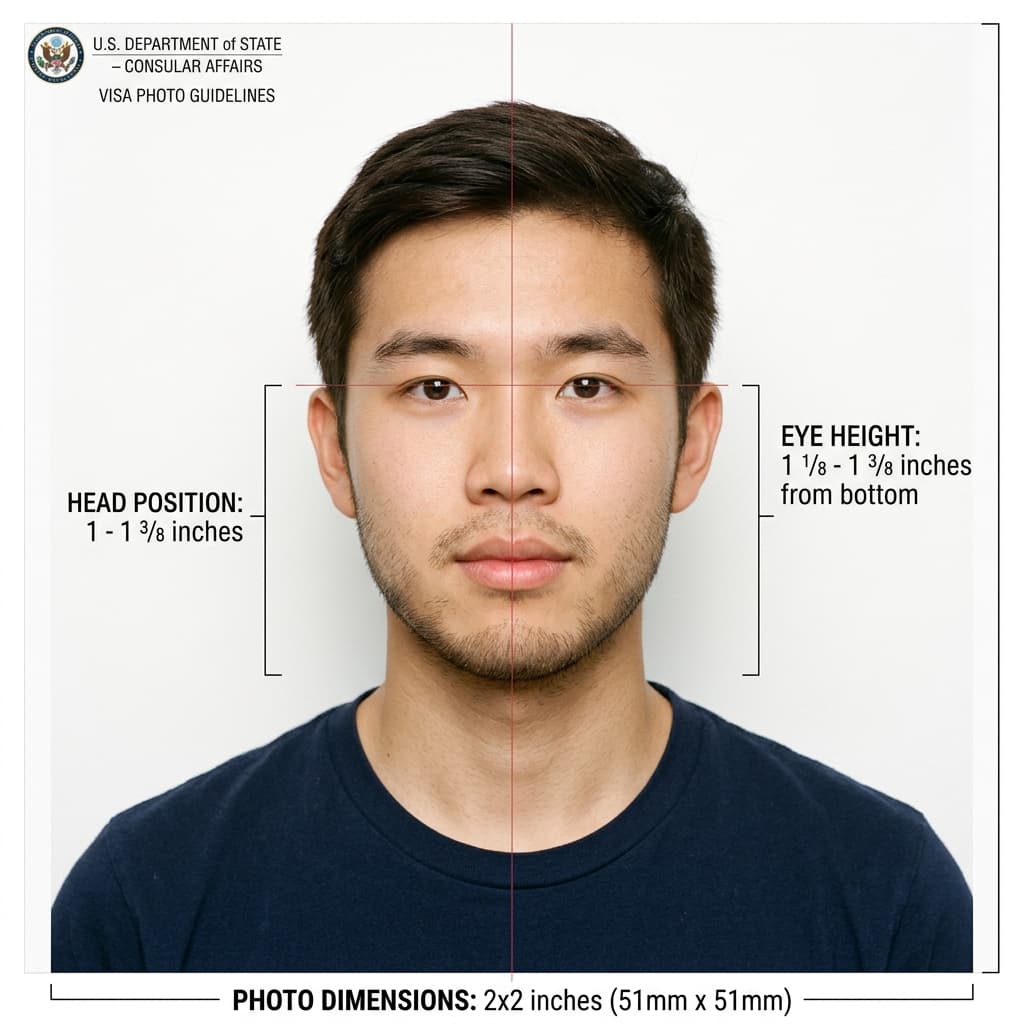
Cropped and resized to the US visa square format
Format Your Photo Instantly
Take or choose a front-facing photo from your camera or gallery. Preview the cropped cropped US visa photo with an official white background for free.
cropped US visa photo formatted to 600x600 px for United States
Choose a photo or drag it here
JPEG, PNG, or WebP up to 20 MB · Front-facing camera or portrait
Select PhotoPassport Photo Checklist:
How to crop and resize a photo for a US visa
- 01
Upload your original
Use the largest, sharpest version you have. Do not shrink it first; the tool needs the detail.
- 02
Automatic crop
The tool finds your face and crops a square around it, leaving the right amount of space above your head and around your shoulders.
- 03
Automatic resize
The cropped photo is scaled to 600 × 600 px and saved as a JPEG.
- 04
Preview and download
Preview is free. Pay $9.99 to download. Check that the file is 240 KB or less before a DS-160 upload.
Converting phone photos and scans
Phone photos are usually 3:4 or 9:16, so they must be cropped to a square. The tool does this around your face rather than the center of the image.
For a scanned print, scan at 300 DPI or higher and upload the full scan. A small or blurry scan cannot be enlarged into a sharp 600 px photo.
Common cropping mistakes
- Head too small: cropping too wide leaves your face under 50% of the frame.
- Head too large or cut off: cropping too tight clips the top of your hair or chin.
- Missing shoulders: the frame should include the top of your shoulders.
- Stretched photo: resizing a non-square image without cropping distorts your face.
Need a different background or edit?
The tool also sets a white background as part of the crop. For background problems see the US visa photo editor.
Frequently Asked Questions
How do I crop a photo for a US visa?
Upload it and the tool crops a square around your face automatically, then resizes it to 600 × 600 px.
What size should the final image be?
Square, between 600 × 600 and 1200 × 1200 pixels, as a JPEG no larger than 240 KB. The tool exports 600 × 600 px.
What happens if I crop too tight?
Your head may exceed the allowed size or the top of your hair may be cut off, which can cause a rejection. The tool sizes your head to the layout for you.
Can I convert a photo I already printed?
Yes, if you scan it at 300 DPI or higher. Low-resolution scans look soft once resized.
Is cropping free?
The preview is free. You pay $9.99 once to download the final photo.
USVisaPhotoAI is an independent photo service. It is not affiliated with the U.S. Department of State, USCIS, or any government agency. Final acceptance of any photo is decided by the agency reviewing your application.